
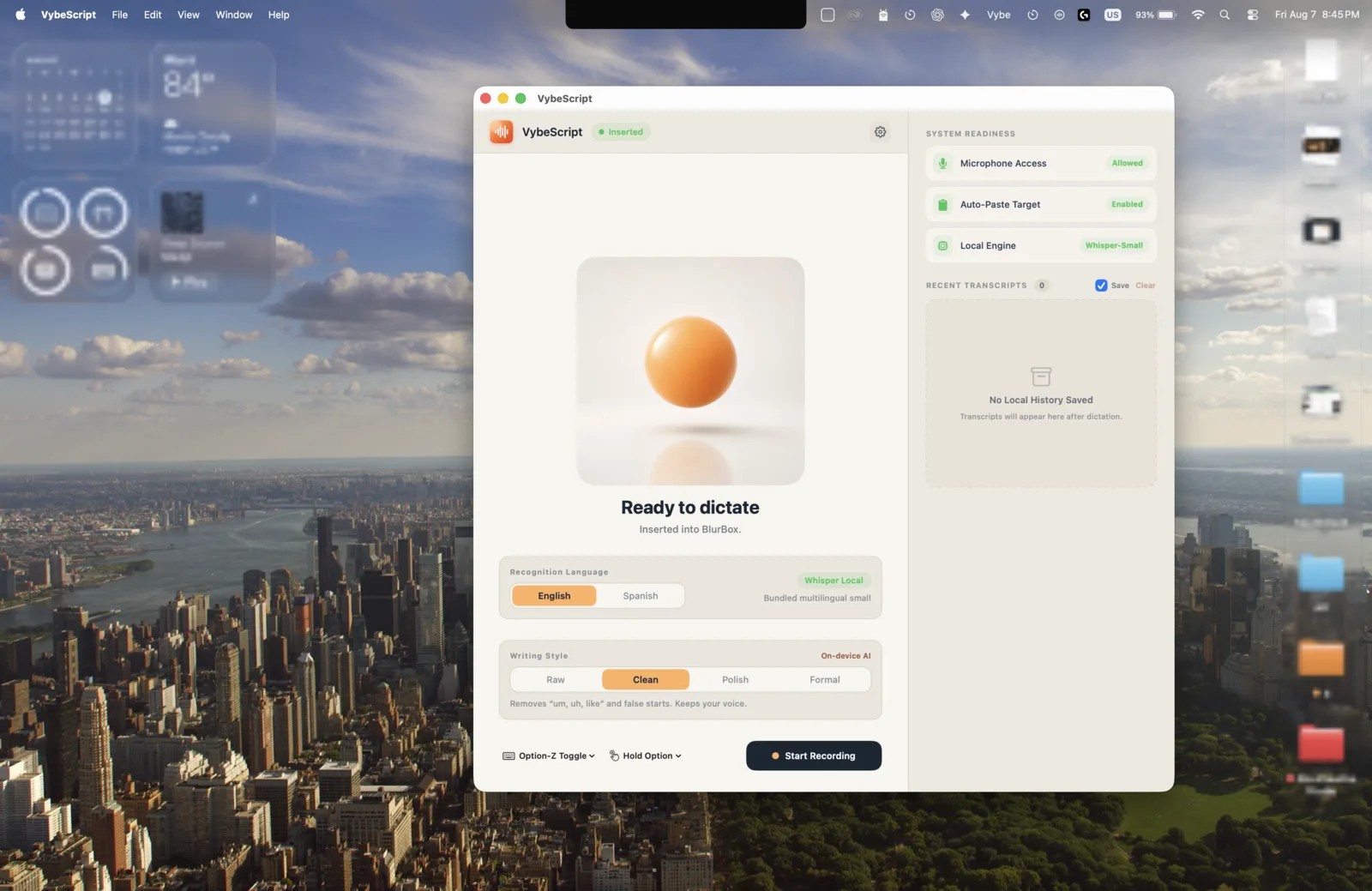
What VybeScript is.
VybeScript is a menu-bar dictation app for Mac. Hold a key, speak, and your words land where your cursor is, cleaned up in the style you pick. Transcription runs on your Mac, so your audio never leaves it.
Who it’s for: People who write all day: anyone prompting AI tools, email writers, lawyers, real-estate agents, developers, and English and Spanish speakers.
What’s in the box.
Four writing styles
Raw, Clean, Polish and Formal. Pick how much cleanup your words get.
Global hotkey
Toggle or hold to talk from any app, with a small floating recorder.
English and Spanish
Dictate in English or Spanish, and use the interface in either.
Formatting that follows you
Say one, two, three and get a numbered list. Email, list and paragraph layouts adapt to the app you are in, and a Format as override is one click away.
Your own vocabulary
Add custom words and let it learn the corrections you make.
Private by design
No account, no cloud transcription, no audio collection.
What it doesn’t do yet.
We’d rather you know before you download.
- Polish and Formal need macOS 26 and Apple Intelligence. Raw and Clean work on every supported Mac.
- Mac only, and Apple Silicon only.
Try it for $0.99, then pick a plan on vybescript.app.
Prices live on vybescript.app, so this page never goes stale.
How it got built.
Why we dropped Apple Speech
Pauses made it lose or duplicate text, so we moved transcription elsewhere.
The Clean pass that barely changed anything
A model pass for Clean removed only 2.2% more words than a plain pass, so Clean became instant in 0.3.13.
Custom words cost time
Boosting custom words added about 17 seconds to 200 seconds of audio. Windowing the boost cut that overhead roughly five times.
0.3.16: the clipboard fix
A busy app could paste your old clipboard because it was restored too early. We fixed the timing.
Questions.
Is my audio uploaded?
No. Audio and transcripts never leave your Mac.
Which languages does it support?
English and Spanish, for dictation and for the interface.
Is it on the Mac App Store?
No. It is a direct download, notarized by Apple.
Also on the shelf
Blur Box. Put a blur box over anything sensitive, live, so your recordings are clean.